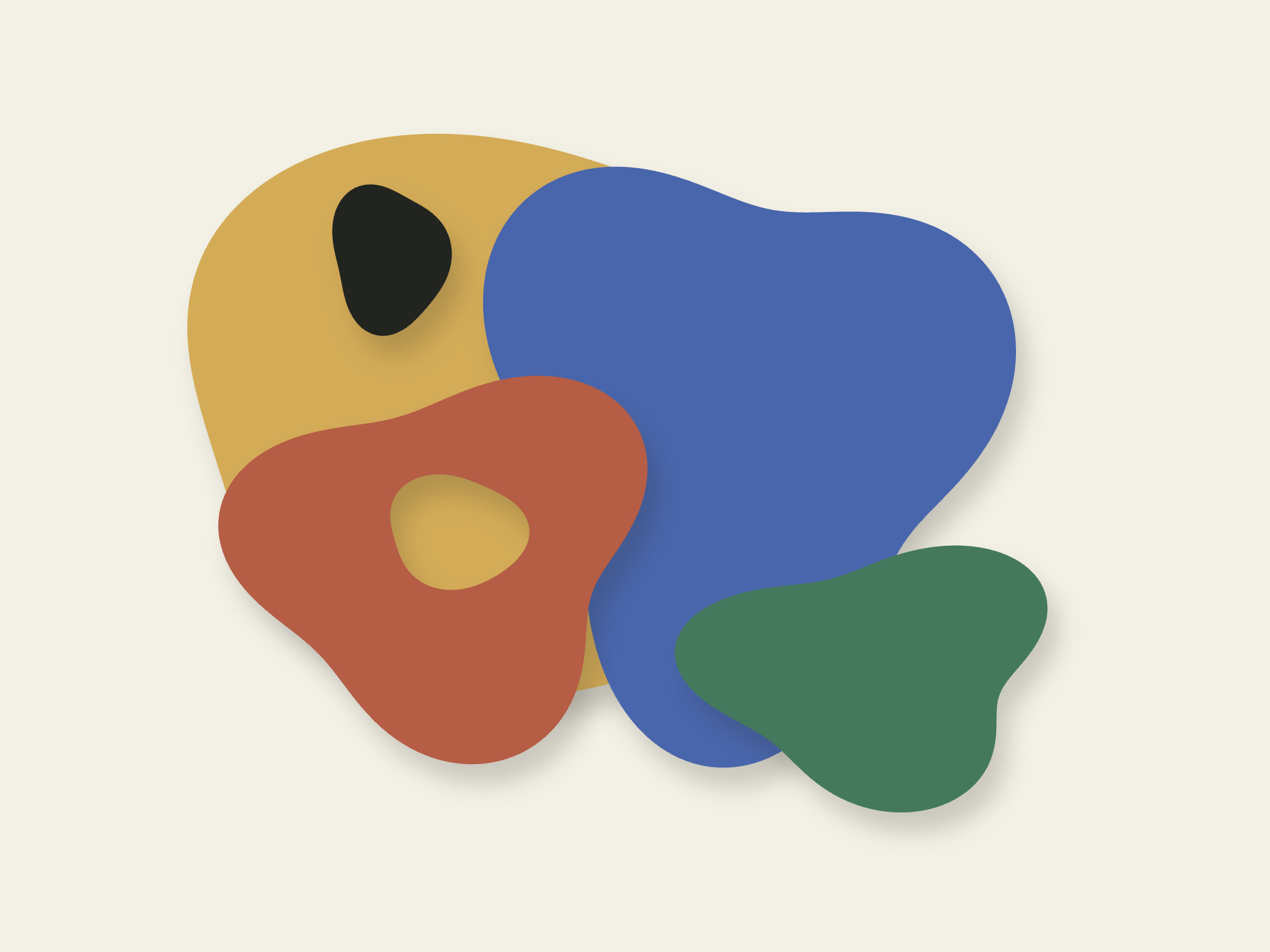
compArt-tools is a suite of four browser apps for turning images, color and movement into abstract compositions. It connects extraction with a live, physics-driven sketchbook, where forms can be edited, layered and prepared for print.
The project explores an abstract visual language shaped by tension, weight, rhythm and the relationships between forms. A contour can stretch and settle; a movement can become a trace or a force; a palette can tie the whole composition together. The artist chooses what to extract and how far to transform it.

→ From Source to Composition
The tools explore how a source can become material for making something new. An image contributes a contour or a palette; a dance clip contributes trajectories and rhythm. These elements meet in HanSketch, where movement can remain perceptible after the body is no longer recognizable.
Shape
Mark a region in an image and abstract its contour, with optional inner holes. Composition mode digitizes a flat-color artwork into colored forms on layers.
Movement
Track dancers in a video, correct joint positions and identities, and export continuous motion data for binding to abstract forms.
Color
Extract dominant colors from an artwork and build reusable palettes. Bring them into HanSketch for forms, background colors and relief shadows.
→ HanSketch
Draw a line or a closed form and explore its behavior through springs, pressure, gravity and force fields. Select several forms to move, scale or rotate them together; push an edge into a new contour, add a sharp corner, or freeze a layer while the rest keeps moving.
Imported shapes, palettes and movement clips share the same working canvas. Layers organize the composition and cast soft relief shadows onto the planes below. The Laws of Chance tool offers another starting point by scattering forms into a new arrangement.

→ From Screen to Paper
New sketches start at A3, with A2 also available, at 300 dpi. Export the composition as SVG, JPG, TIFF or PDF. Artwork PDFs retain vector contours; soft shadows are embedded as images. For screen printing, arrange each printing ink on its own layer and export every layer as a separate, aligned black-on-white PDF page.
→ Try It
The tools run in the browser, with images and videos processed on your device. A desktop browser is recommended; movement analysis downloads pose models on first use. Start with any extractor, or open HanSketch and draw freely.